
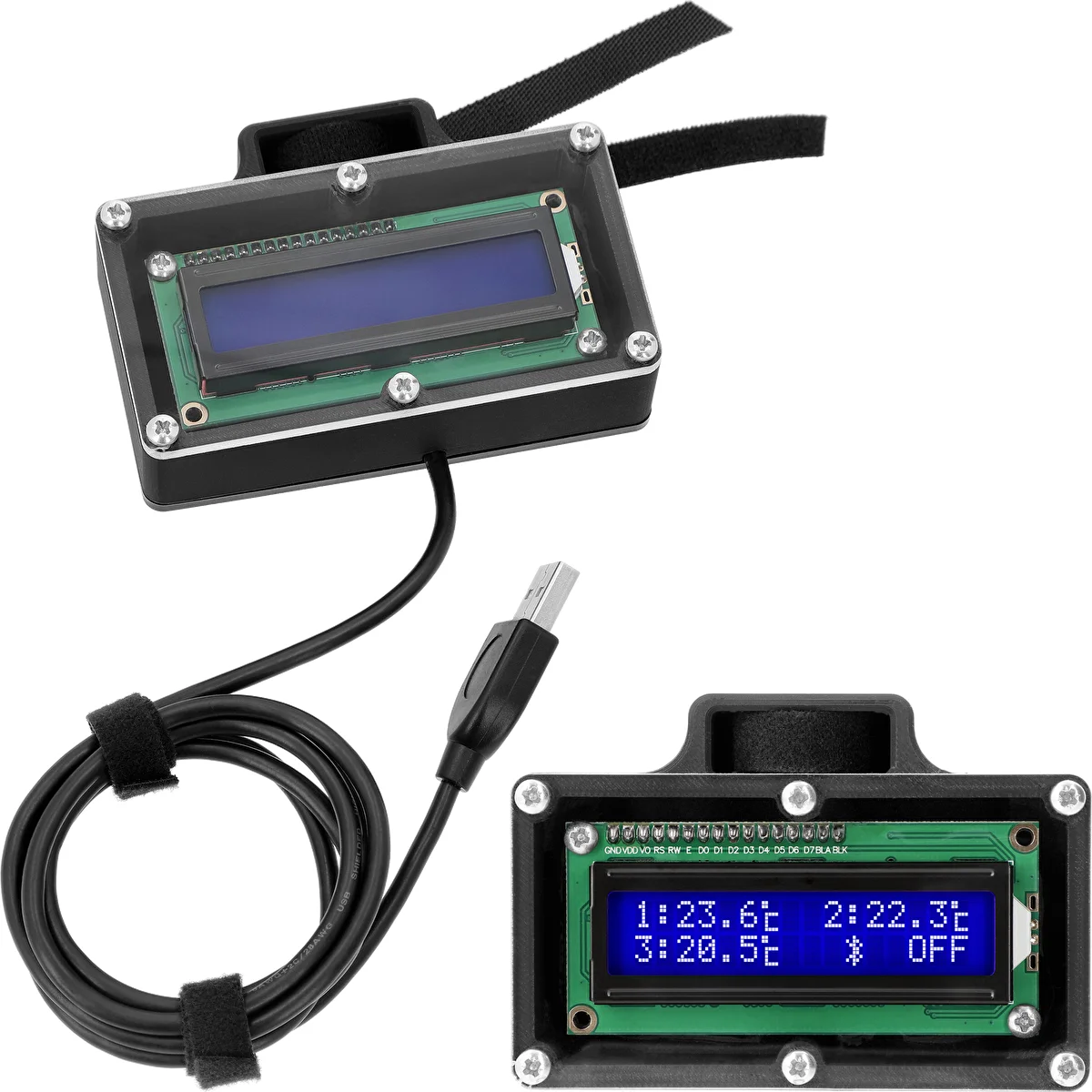
Display for the hawkSTILL Wi-Fi thermometer
is a practical accessory that enables a quick, clear view of temperatures from the device’s three probes and provides access to up-to-date information on the system’s operating status. Thanks to direct connection to the LCD port on the hawkSTILL thermometer module, the display automatically presents key operating parameters – without the need to reach for a mobile device.
The screen makes it convenient to operate installations that require continuous monitoring of temperature parameters and heater operation.
Designed and manufactured in Poland – in close cooperation with experienced practitioners.
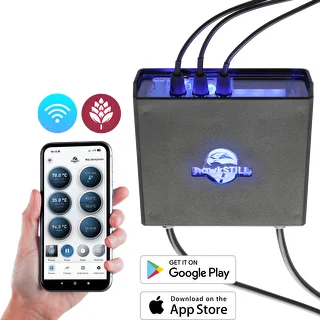
Required for operation: hawkSTILL Wi-Fi thermometer module with three probes and a heater control function (220307) – details described in the manual.
Key features and benefits:
✓ Clear temperature readout (from 3 probes) - the display shows temperatures from all three probes connected to the hawkSTILL Wi-Fi thermometer. The data is visible in real time.
✓ Quick information about heater operation - the display clearly indicates heater off and heater on. On-screen designations (e.g., OFF / ON) confirm the device’s current status.
✓ Clear device connection status - the display indicates:
- operation in pairing mode or Bluetooth mode,
- a proper connection to the Wi-Fi network (three-bar icon),
- an attempt to connect to Wi-Fi (1-3 bars appearing sequentially).
Sample screen graphics are available in the manual.
✓ Information about the set probe priority – if a priority probe (responsible for the heater switch-off threshold) is set in the BROWIN hawkSTILL app, the display shows its active indicator. You can designate 0-2 priorities (see the manual).
✓ Simple installation – the display can be mounted using the included hook-and-loop fasteners – in a stable location that does not overheat. Installation is quick and requires no tools.
✓ Immediate readiness for operation – after connecting the USB cable to the "LCD" port of the hawkSTILL thermometer module, the display starts automatically and begins presenting data.
Applications:
the display is an ideal complement to a measurement system with the hawkSTILL thermometer wherever there is a need for:
- continuous visibility into temperatures at various points in the installation,
- a convenient view of operating parameters without using a mobile app,
- a quick assessment of the heater status and the network connection.
Set contents:
- display (220306) for the hawkSTILL Wi-Fi thermometer (220307) with connection cable
- mounting hook-and-loop fasteners
Additional information
✓ Display power supply: via a USB cable connected directly to the "LCD" port of the hawkSTILL thermometer module.
✓ Automatic start-up upon connection:
- intuitive on-screen interface
- information presented in real time.